 Maze Generator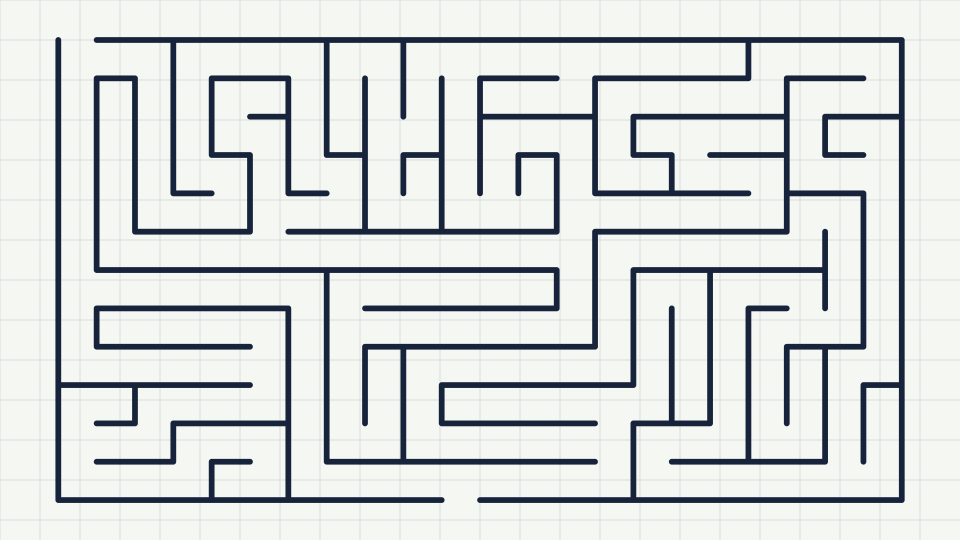
You do not need design software to make a maze worth printing. The generator on the homepage builds one in the browser, and everything you change is redrawn immediately. This guide walks through the settings in the order most people use them, and ends with the export options that matter for paper.
1. Choose an outline and a cell style
The outline is the silhouette of the finished puzzle: rectangle, circle, triangle or hexagon. The cell style is the shape of each little room inside it. Square cells give the classic look you see in activity books. Hexagonal cells make a honeycomb, and triangular cells produce sharp zig-zag corridors that feel harder than they are. For circles you also get a polar option, where the corridors are rings and spokes instead of a grid clipped to a circle.
2. Set the size
Width and height are counted in cells, not pixels. A 10 by 10 maze suits a five-year-old. Around 20 by 25 fills an A4 or Letter page at a size adults enjoy. Anything over 60 by 60 is a long sit-down puzzle and prints best on larger paper or with a thinner line. The generator caps each dimension at 150 cells so the page never freezes.
3. Decide where the maze starts
By default the entrance is on the top edge and the exit is on the bottom. Switch the start to the bottom if the page layout needs it, or add an inner room and start from there. An inner room is a walled-off box in the middle of the maze with one doorway. Starting inside it turns the puzzle into an escape; finishing inside it turns it into a treasure hunt.
4. Pick an algorithm and a twistiness
The algorithm decides the character of the corridors. The backtracker builds long winding passages with few branches. Prim's algorithm creates short branches everywhere, like a tree. Kruskal's sits in the middle. Hunt and kill makes long runs with sudden reversals. The twistiness slider only affects the backtracker: at the left end it prefers straight corridors, at the right end it turns at every chance.
5. Generate until you like it
Press the generate button to draw a new maze with a fresh random seed. Every maze shows its seed under the drawing, and the link button hands you an address that bookmarks or shares the exact puzzle. If you type a seed of your own, such as a date or a name, you get the same maze every time.
6. Check the solution and export
The solution toggle overlays the one correct route. Use it to sanity-check difficulty, then switch it off before exporting the puzzle version. Export the solution as a second file if you are making an answer sheet. SVG is the best choice for printing because it stays crisp at any size. PNG downloads at double resolution and is fine for worksheets and web use. The print button sends only the maze to the printer, without the rest of the page.
Sizing for paper
An SVG maze scales to whatever box you place it in. In a word processor, insert the file and drag a corner handle; the walls stay sharp. Leave at least a centimetre of margin so the outer wall does not get clipped by the printer. For very large mazes, reduce the line thickness slider to 1.5 so corridors stay open when the drawing shrinks.