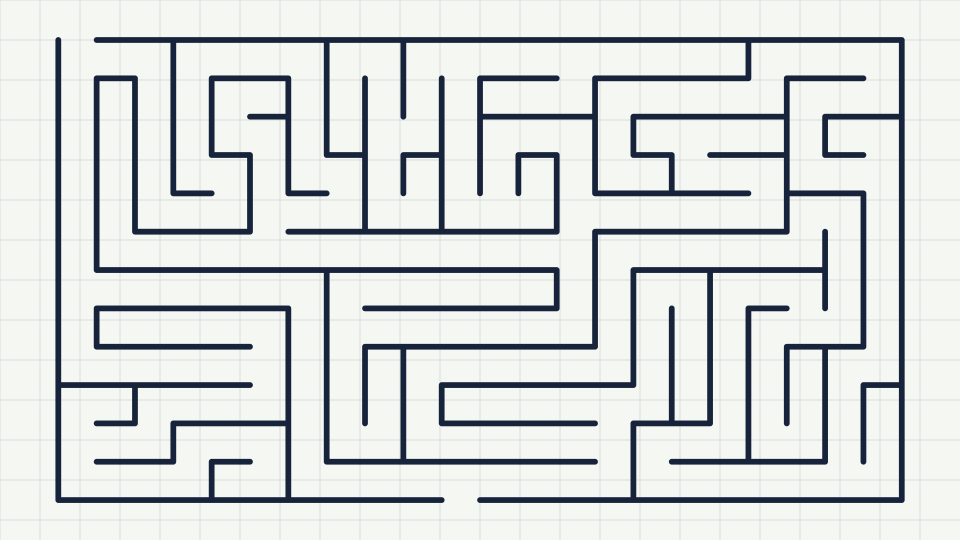
How to make a printable maze in under a minute
A step-by-step walkthrough of the maze generator: pick a shape, set the size, choose an algorithm, then print or download the maze as SVG or PNG.
 Maze Generator
Free · No sign-up
Maze Generator
Free · No sign-up
Make a maze in your browser and print it, or download it as SVG or PNG. Pick a shape, a cell style, a size and an algorithm; the maze redraws as you change them. Free, with no sign-up, and every maze you make is yours to use.
Every maze here is a perfect maze: one route between any two points, no loops, no unreachable corners. It takes three decisions.
Square, hexagonal, triangular or polar cells are tiled across the page, then any cell outside your chosen outline is dropped. Every cell starts fully walled.
An algorithm opens walls one at a time until every cell is connected exactly once. Which walls it chooses, and in what order, gives the maze its character.
An entrance and an exit are cut in the outer wall (or in the inner room), the shortest route is found with a breadth-first search, and the drawing is written as vector paths.
Any outline can hold any cell style. These examples are generated live on this page; press a button to load its setup into the generator.
Same 10 by 10 grid, same seed, four algorithms. The differences you see here scale up: choose by the feel you want, then adjust size for difficulty.
Walks as far as it can, then backs up. Long winding corridors, few dead ends, a long solution. The twistiness slider controls how often it turns.
Grows outward from one cell by opening random frontier walls. Lots of short branches, a short solution, and a busy texture that punishes guessing.
Shuffles every wall and opens any that joins two separate regions. No visible origin, even texture, good for large batches that should all feel alike.
Walks until stuck, then scans for the first unvisited cell next to the maze and starts again there. Long corridors with sudden reversals.
Mazes turn up in more places than puzzle books. A few of the jobs this generator is built for.
Worksheets that build pencil control and planning. Same seed for the class, different seed for each pupil, answer key one click away.
Consistent difficulty ladders, page-number seeds, SVG export for print on demand. Commercial use is allowed without a licence.
A fresh maze whenever one is needed, sized for the child. Thick lines and big cells for beginners.
Race sheets, clue mazes, invitations with the details hidden in an inner room, plans for a taped-out floor maze.
Circular, hexagonal and triangular mazes as vector art for posters, cards, logos and backgrounds.
A working example of four spanning-tree algorithms and a breadth-first solver, readable in the page source.
Yes. Every feature on the page is free, there is no account, and there is no limit on how many mazes you generate or download.
Yes. Mazes you generate here are yours to use for any purpose, personal or commercial, without attribution. This differs from some other generators, so check the terms of any other source you combine with.
Up to 150 by 150 cells (22,500 cells). That is far larger than fits legibly on a page; most printed mazes are between 10 and 40 cells across.
The outline is the overall silhouette (rectangle, circle, triangle, hexagon). The cell style is the shape of each little compartment inside it (square, hexagonal, triangular, or polar rings for circles). They combine freely.
Press the solution button under the maze. It overlays the one correct route in the solution colour. Toggle it on before downloading to export an answer key, and off to export the puzzle.
Type a seed of your own (any word or number) before generating, or press the link button after generating. The link carries every setting plus the seed, and opening it draws the identical maze.
SVG for anything that will be resized or professionally printed; it stays sharp at any size. PNG for websites, slides or apps that do not accept SVG. The print button prints just the maze directly.
No. Everything is computed in your browser. Nothing is sent to a server, no account exists, and the site loads no third-party scripts or trackers.
The backtracker for classic long winding corridors, Prim for lots of branching and dead ends, Kruskal for an even random texture, hunt and kill for long runs with reversals. The guides section explains each in detail.
Polar cells are wedges of concentric rings, which only make sense inside a circle. For other outlines choose square, hex or triangle cells; you can still put those inside a circle if you prefer a grid-like circular maze.
Longer reads on difficulty, algorithms, printing and using mazes in classrooms, books and games.
A step-by-step walkthrough of the maze generator: pick a shape, set the size, choose an algorithm, then print or download the maze as SVG or PNG.
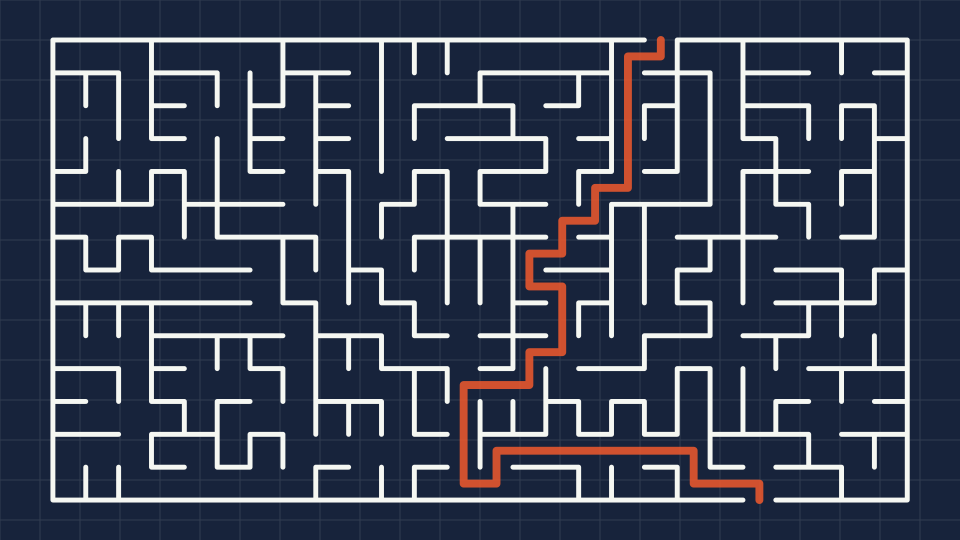
What actually makes a maze hard? Cell count, dead ends, solution length and the algorithm all play a part. Learn how to tune each one.
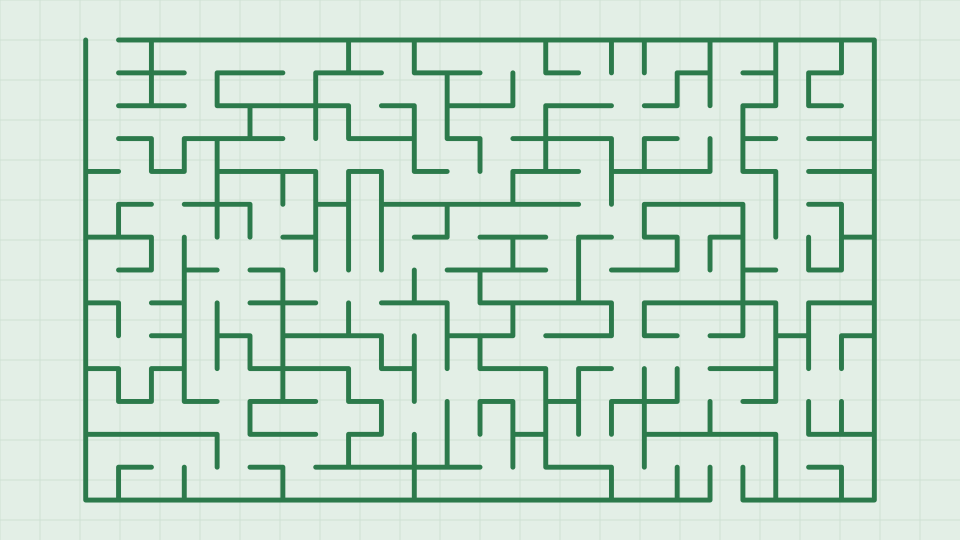
The four generation algorithms in the tool produce visibly different mazes. Here is what each one does and when to use it.
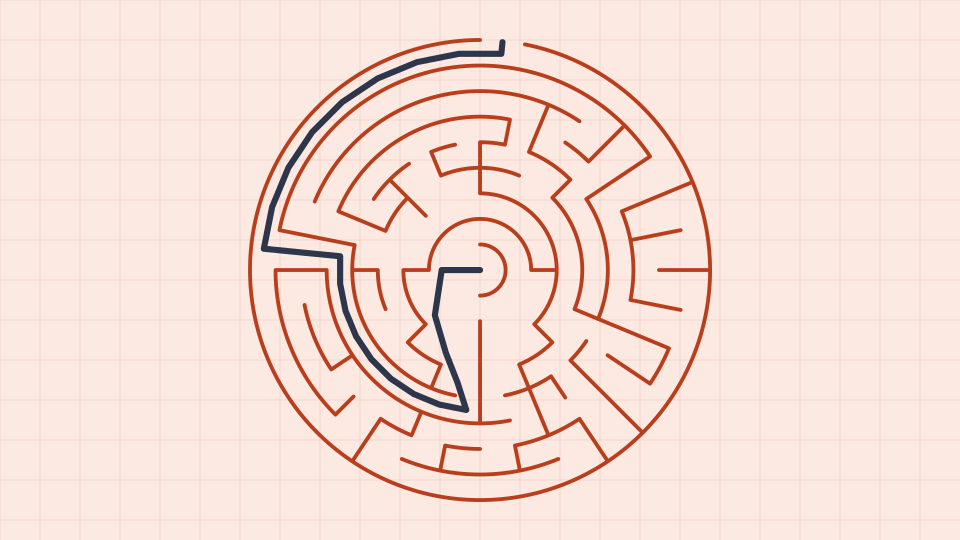
Polar (theta) mazes use rings and spokes instead of rows and columns. Learn how cells are split as rings grow and how to get a good circular maze.
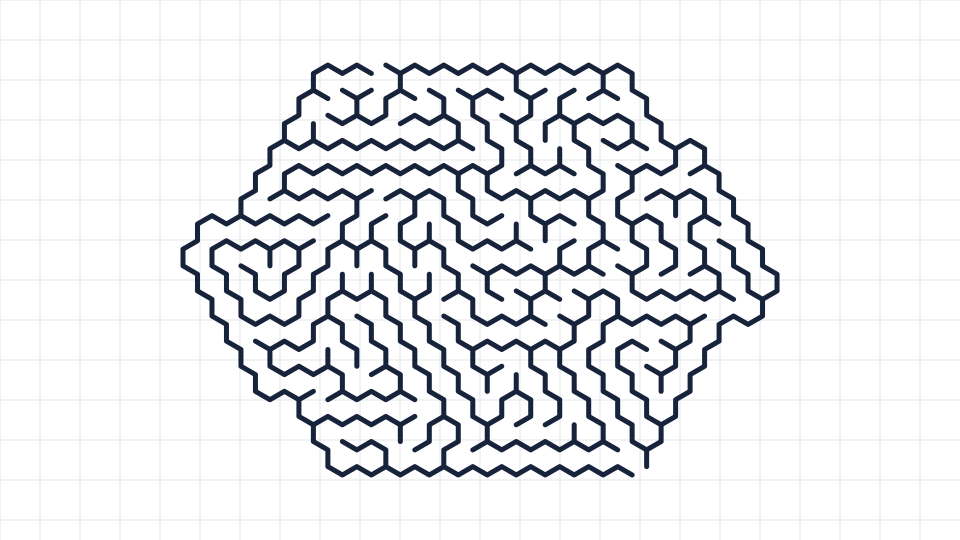
Square cells are only the beginning. Hexagonal (sigma) and triangular (delta) cells change how a maze looks and how it plays.
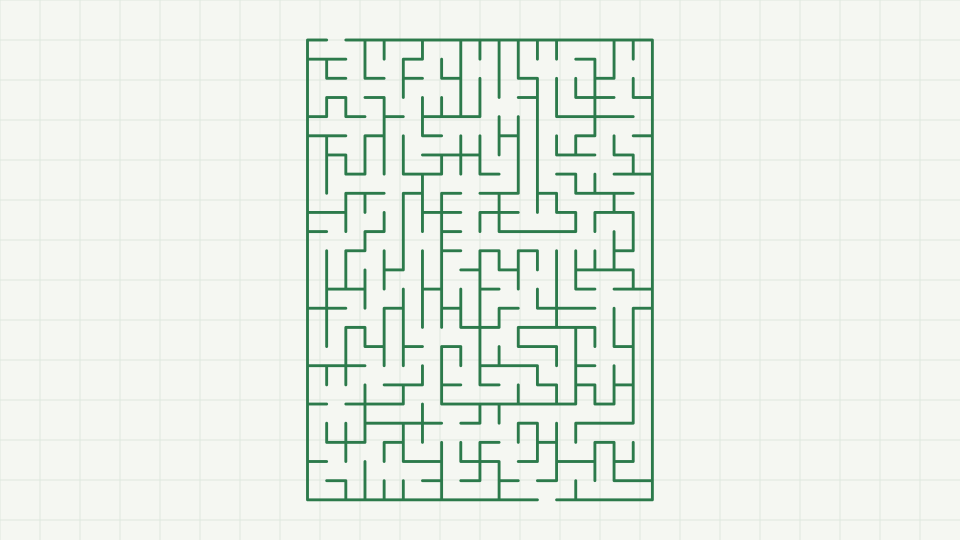
Planning a maze book for KDP or another print-on-demand service? Here is how to generate consistent pages, keep answer keys, and what the licence allows.
Scroll up, press generate, and print. Everything you make here is free to use, in the classroom or in a book you sell.